
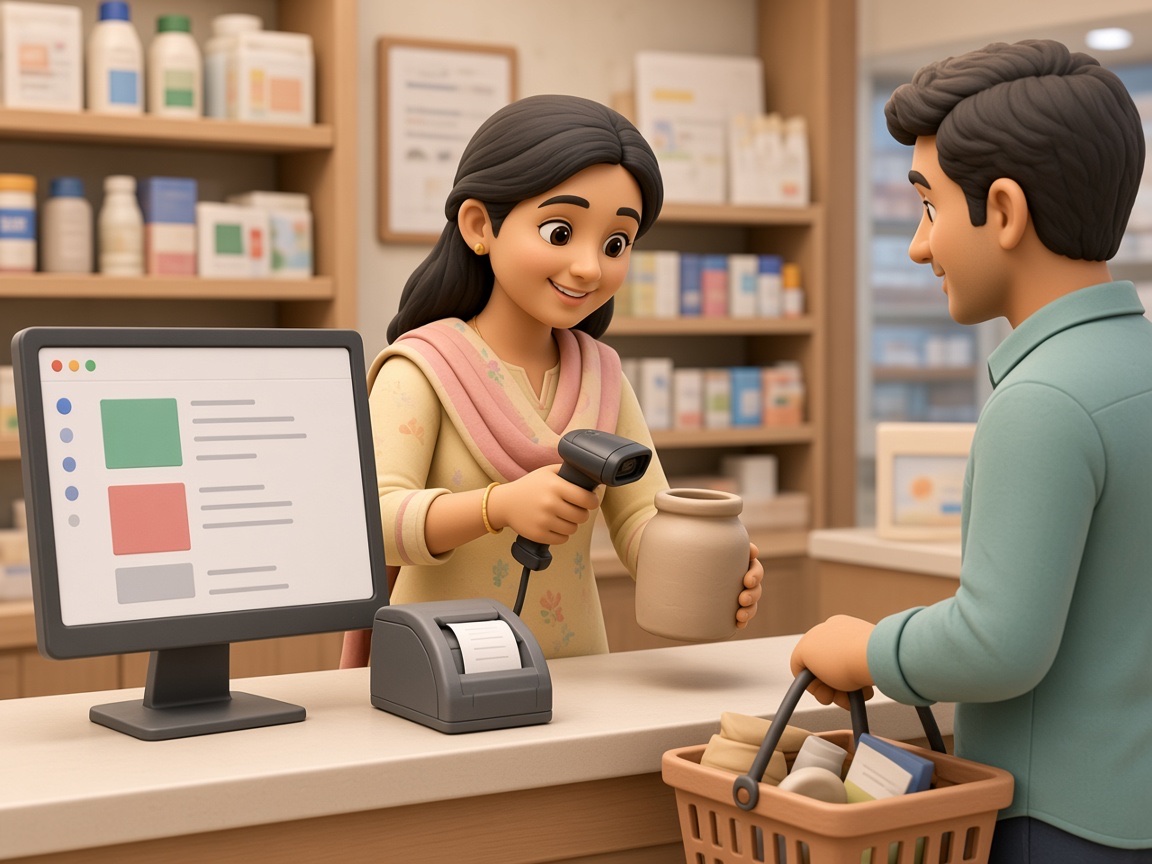
Unlike web applications that run in a browser, Windows desktop applications are installed directly on a computer and typically connect to a local or networked database. This makes them well suited for businesses that need fast performance, reliable offline access, or direct integration with hardware like barcode scanners, printers, and biometric devices.
SWS
Windows Software Development Built Around Your Business, in Navi Mumbai
Many businesses still rely on Windows-based systems for their day-to-day operations, from billing counters to warehouse floors to back-office accounting. Off-the-shelf software often works for a while, but as a business grows, its workflows, reporting needs, and integrations become too specific for generic tools to handle well. That's where Windows software development comes in.
As a Windows Software Development Company in Navi Mumbai, Swami Webcraft Solutions Pvt. Ltd. builds custom Windows software and business applications around how a business actually operates, rather than forcing the business to adapt to a rigid template. Whether it's a retail counter that needs offline billing, a manufacturing unit that needs inventory tracking synced with production, or a clinic that needs patient records managed securely on local machines, custom Windows software gives owners in Vashi, Navi Mumbai, and nearby areas direct control over their data, their processes, and their reporting without depending on a one-size-fits-all product.
01
What Is Windows Software Development?
Windows software development is the process of building desktop applications that run on Windows operating systems, designed specifically around a business's workflows, data, and reporting requirements.
Ready-made software can be a reasonable starting point for very simple needs, but it usually comes with unnecessary features, rigid workflows, and limited customization. Custom Windows software, by contrast, is built around the business's actual processes, its billing formats, approval chains, user roles, and reporting structure. This is the foundation of the work we do as a Windows Software Development Company in Navi Mumbai building applications that fit real operations, not generic templates.
02
Why Do Businesses Need Custom Windows Software?
As operations grow, spreadsheets, generic templates, and disconnected tools tend to create more friction than they solve. Custom Windows software addresses this by aligning the application directly with how a business actually functions.
Some practical reasons businesses choose custom development include:
| Workflow-specific design | screens, approvals, and processes built around real operations, not generic assumptions |
|---|---|
| Better data control | centralized, structured records instead of scattered spreadsheets |
| Offline reliability | continued operation in locations with unreliable internet |
| Hardware integration | direct connection with barcode scanners, printers, or biometric devices |
| User and role management | controlled access based on staff responsibilities |
| Reporting and dashboards | business data organized into usable reports rather than raw exports |
| Room to grow | architecture that can be extended as the business adds locations, users, or processes |
We don't position custom software as a guaranteed fix for every operational challenge; the right solution depends on the specific business and how it's implemented, but well-planned custom Windows software generally gives owners more visibility and control than generic tools.
03
Benefits of Custom Windows Desktop Applications
As a Windows Software Development Company in Vashi, we build these desktop applications with practical, everyday advantages in mind:
- Offline functionality — continue working during internet outages, syncing data once connectivity returns
- Hardware integration — direct, reliable connection with barcode scanners, receipt printers, and biometric devices
- Faster local processing — operations run directly on the machine rather than depending on network speed
- Custom workflows — screens and processes shaped around how the business actually works
- Database connectivity — structured, centralized storage instead of scattered files and spreadsheets
- Multi-user access — multiple staff members working within the same system, with role-based permissions
- Business automation — repetitive manual tasks handled automatically, reducing errors
- Reporting — day-to-day data turned into usable reports for decision-making
These benefits are most valuable for businesses with fixed locations, hardware dependencies, or connectivity concerns for fully remote, multi-location teams; a web-based approach may sometimes be a better fit, as covered further below.
04
Who Needs Custom Windows Software?
Custom Windows software tends to be a good fit for businesses that have outgrown generic tools or spreadsheets and need more structure, control, or automation. This typically includes:
- Retail businesses needing reliable offline billing and inventory tracking at the counter
- Manufacturing companies tracking production, stock, and reporting across departments
- Healthcare organizations managing patient records, appointments, and billing on controlled local systems
- Logistics businesses coordinating dispatch, tracking, and warehouse operations
- Educational institutions managing student records, fees, and administrative workflows
- SMEs that have outgrown spreadsheets and need centralized, structured data
- Enterprises running multiple departments that need to work off a shared, reliable system
- Businesses using legacy systems that need modernization, added features, or better performance

If your business fits into more than one of these categories, or relies on manual processes that are becoming hard to manage, custom Windows software is worth evaluating.
05
Windows Software Solutions We Develop
As a Windows Software Development Company in Navi Mumbai, we build a range of business applications under our Windows Software Development Services, each designed around the specific department or function it supports.
-
Billing Software –
Invoicing, customer records, tax calculations, and sales reporting for retail and service businesses.
-
CRM Software –
Managing leads, customer interactions, and follow-ups in one organized system.
-
Attendance Management Software –
Tracking employee attendance, shifts, and work hours.
-
Inventory Management Software –
Monitoring stock levels, purchases, and warehouse movement.
-
HRMS Software –
Supporting HR processes like employee records, leave, and documentation.
-
Payroll Software –
Managing salary calculations, deductions, and payslip generation.
-
Accounting Software –
Recording financial transactions, ledgers, and statements.
-
POS Software –
Handling retail counter sales, billing, and transaction records.
-
ERP Software –
Connecting multiple departments finance, inventory, HR into a single system.
-
Custom Business Software –
Applications built entirely around a business's unique process, when none of the above fit as-is.
06
Key Features of Custom Windows Software
The right feature set depends on the business, but most custom Windows applications include some combination of:
- Custom dashboards for a quick operational overview
- Secure user authentication and role-based access
- Structured database management for accurate records
- Search and filtering to locate records quickly
- Automated workflows to reduce manual, repetitive tasks
- Notifications and alerts for important events
- API integration to connect with existing systems
- Barcode, printer, or biometric device integration where relevant
- Backup functionality to protect business data
- Multi-user access with permission controls
These features matter because they directly affect how much time staff spend on manual work, how reliable the records are, and how easily the business can scale the system as it grows.
07
Industries That Can Use Windows Software
-
Retail businesses often need offline-capable billing and inventory tracking at the counter, especially where internet connectivity isn't always reliable.
-
Healthcare organizations use desktop software to manage patient records, appointments, and billing while keeping sensitive data on local, controlled systems.
-
Manufacturing companies benefit from production tracking, inventory management, and reporting that connects the shop floor with the back office.
-
Education institutions use Windows applications for student records, fee management, and administrative workflows.
-
Logistics businesses rely on custom software to track shipments, manage dispatch schedules, and coordinate with warehouse operations.
-
Hospitality, finance, distribution, real estate, and professional services all have their own recurring workflows from bookings to client records to transaction tracking that generic software often handles poorly, making a purpose-built application a more practical fit.
08
Windows Software Development Process
-
Requirement Analysis —
Understanding the business's current workflows and pain points.
-
Business Process Planning —
Mapping how information and approvals currently move, and identifying gaps.
-
UI/UX Design —
Planning a simple, usable interface suited to the people who'll actually use it daily.
-
Software Architecture —
Designing the database structure, integrations, and scalability approach.
-
Development —
Building the application's core functionality.
-
Database & API Integration —
Connecting the software to required systems and data sources.
-
Testing & Quality Assurance —
Checking functionality, usability, performance, and integrations.
-
Deployment —
Installing and configuring the software in the business's environment.
-
Maintenance & Support —
Providing updates, fixes, and support as the business's needs evolve.
09
Windows Desktop Software vs Web-Based Software
Neither option is universally better; the right choice depends on the business's infrastructure, users, and workflow requirements.
Windows desktop applications generally offer stronger offline access, direct hardware integration (barcode scanners, receipt printers, biometric devices), and often faster local performance, since they don't depend on constant internet connectivity. Web-based software, on the other hand, is typically easier to access remotely from multiple locations and devices, and updates are centrally managed.
For businesses with a fixed location, hardware dependencies, or connectivity concerns, Windows software is often a practical fit. For businesses needing remote, multi-location access with minimal local setup, a web-based approach may work better. Many businesses end up using a combination of both, depending on the function.
10
Windows Software Integration Capabilities
Custom Windows applications can be built to integrate with a wide range of existing systems, including APIs, databases, payment gateways, barcode scanners, printers, biometric devices, CRM and ERP systems, accounting software, and cloud services.
The goal of integration is to reduce duplicate data entry and keep information consistent across departments for example, connecting a billing application with an accounting system so transactions don't need to be entered twice. Well-planned integrations can meaningfully reduce manual errors and save staff time, though the specific benefit depends on how many systems are involved and how they're structured.
11
Security and Data Management
Custom Windows software should be built with reasonable security practices in place, including user authentication, role-based permissions, controlled access to sensitive records, database security measures, regular backups, and audit trails where relevant. These measures help reduce risk and support accountability, but no software can be described as completely risk-free ongoing maintenance and good operational practices remain part of keeping any system secure.
12
Why Choose Swami Webcraft Solutions?
We approach every project with a requirement-first mindset understanding how a business actually operates before proposing a solution. As a Windows Software Development Company in Vashi, we bring that same requirement-first approach to every engagement.
Our approach includes:
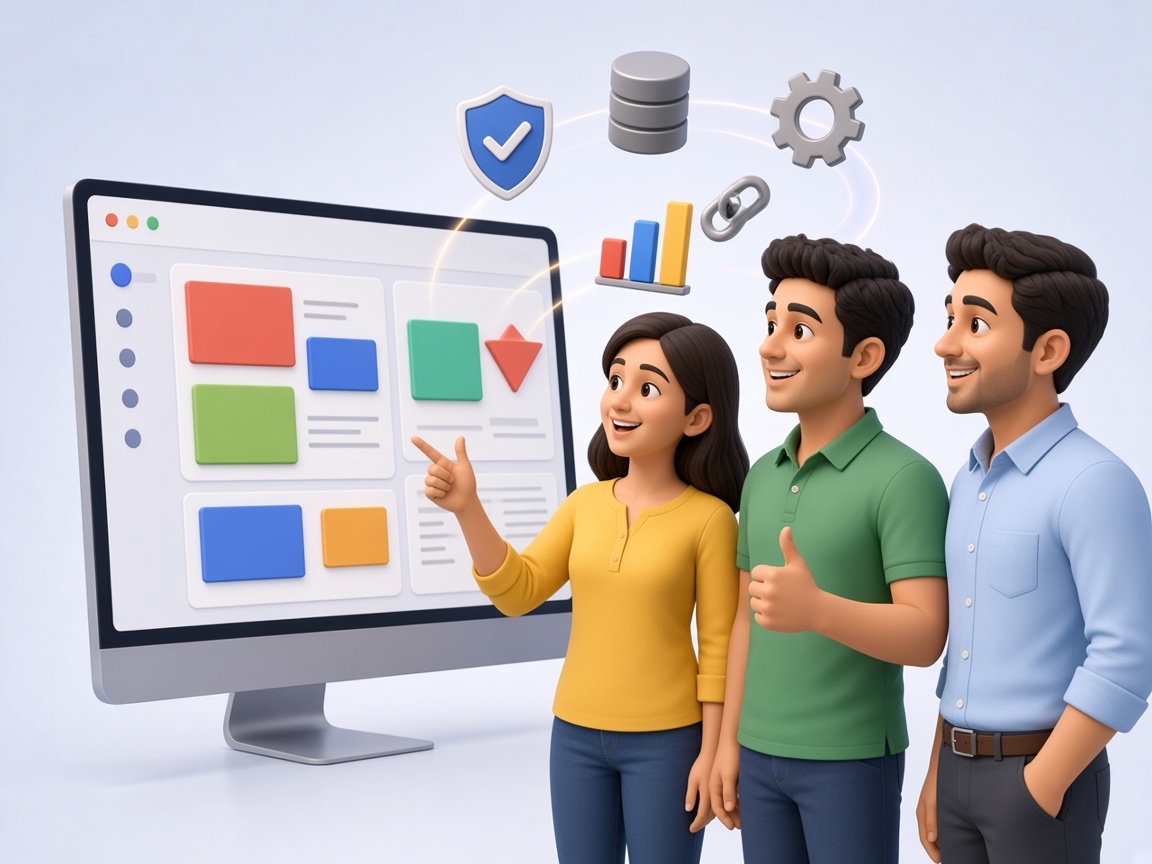
- Custom software built around actual business requirements
- Scalable architecture designed to grow with the business
- User-friendly interfaces for non-technical staff
- Reliable database and API integration
- Structured testing and quality assurance before deployment
- Ongoing maintenance and support after launch
- A local presence in Vashi, Navi Mumbai, for direct communication and follow-up
13
Windows Software Development Services in Vashi and Navi Mumbai
Swami Webcraft Solutions Pvt. Ltd. works with businesses across Vashi, Navi Mumbai, and nearby parts of Maharashtra, offering Windows Software Development Services suited to local retail, healthcare, manufacturing, logistics, and service businesses.
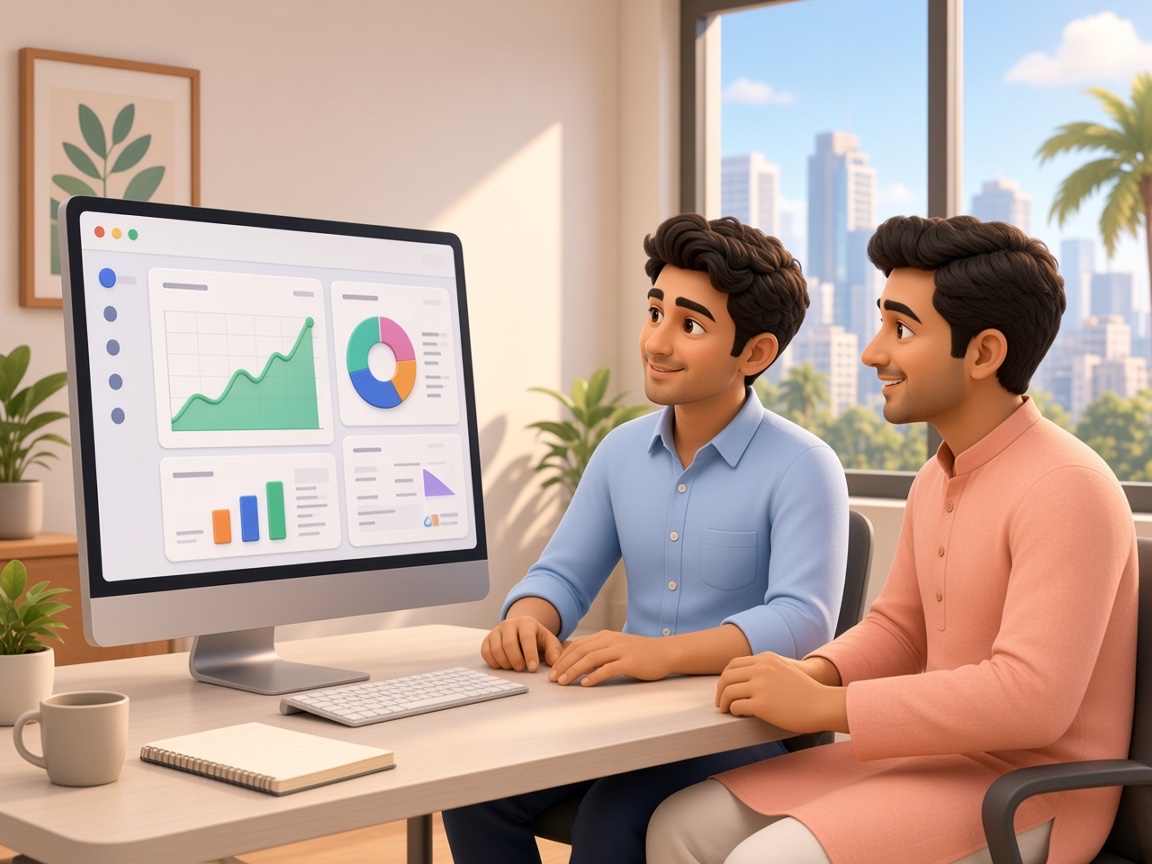
Working locally has practical advantages: requirement discussions can happen directly, implementation is easier to coordinate on-site when needed, and ongoing support doesn't involve time-zone or communication delays. For businesses looking for a Windows Software Development Company in Navi Mumbai that understands the local business environment, we aim to be a straightforward, accessible development partner from the initial conversation through post-launch support.

Windows software development is the process of building desktop applications that run on Windows operating systems, designed around a business's specific workflows, data, and reporting needs as opposed to generic, ready-made tools.
Ready-made software offers a fixed set of features meant to suit many businesses at once, often requiring the business to adapt its processes. Custom Windows software is built specifically around a business's existing workflows, giving it more control over features, data structure, and reporting.
The two terms are largely used interchangeably. "Windows software development" often refers more broadly to building complete business systems, while "Windows application development" can also describe smaller, single-purpose desktop applications but both involve building software that runs natively on Windows.
As a Windows Software Development Company in Vashi, we develop a range of business applications, including billing, CRM, inventory, attendance, HRMS, payroll, accounting, POS, ERP, and fully custom software built around a unique business process.
Cost depends on the complexity of the requirements, the number of features, integrations needed, and the size of the user base. We recommend a requirement discussion to provide an accurate estimate for your specific project.
Timelines vary based on project scope; a simple application may take a few weeks, while more complex, integration-heavy systems can take longer. Timelines are typically discussed after requirement analysis.
Yes. Custom Windows applications can be built to integrate with databases, APIs, accounting systems, CRM/ERP platforms, payment gateways, and hardware like barcode scanners and biometric devices.
Yes, Windows desktop applications can be designed to function offline, using a local database, with syncing to central or cloud systems when a connection becomes available, depending on the project requirements.
Yes. We can assess existing Windows applications and help modernize outdated systems, improve performance, add new features, or extend functionality based on current business needs.
Conclusion
Custom Windows software isn't the right fit for every business, but for those with specific workflows, hardware dependencies, or offline requirements, it can offer a level of control that generic software simply doesn't provide. The right approach depends on understanding the business's actual processes first: its data, its users, its integrations and building around that, rather than starting with a template. As a Windows Software Development Company in Navi Mumbai, we look forward to discussing how a custom solution could work for your business.
Have a Windows Software Requirement? Let's Discuss Your Project.
Get in touch with our Windows Software Development Company in Vashi team Swami Webcraft Solutions Pvt. Ltd.