
SWS
Cloud CRM Development Company in Navi Mumbai Access Your Data From Any Location
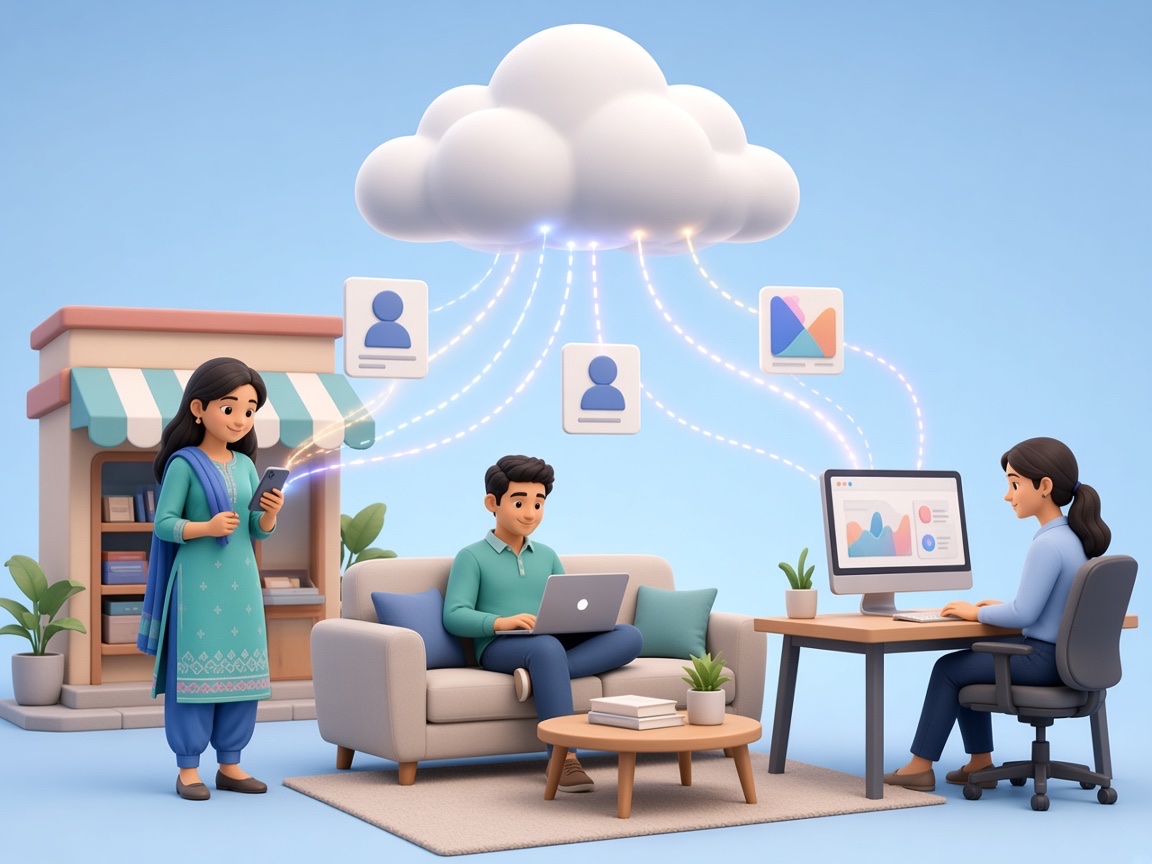
Sales and support teams increasingly work from multiple locations, on the move, or across branches which makes a CRM tied to a single office computer a real limitation. Cloud CRM systems solve this by making customer and sales data accessible from anywhere with an internet connection, without depending on local installations at every desk.
As a Cloud CRM Development Company in Navi Mumbai, Swami Webcraft Solutions builds cloud-based CRM systems designed around how a business's team actually works whether that's a field sales team in Vashi checking leads on their phones, or a multi-branch business that needs every location working off the same customer data. Cloud CRM development gives businesses that flexibility without sacrificing structure or control over their data.
What Is Cloud CRM Development?
Cloud CRM development is the process of building a CRM system hosted on cloud infrastructure rather than a local server, so it can be accessed securely from any device with an internet connection, desktops, laptops, tablets, or phones.
A cloud CRM typically includes:
- Centralized customer and lead data accessible from anywhere
- Real-time updates visible to the whole team as they happen
- Secure, role-based login from any device
- Automatic backups and centrally managed updates
- Reporting dashboards accessible remotely
- Integration with other cloud-based business tools
Unlike a Windows-based, locally installed system, a cloud CRM removes the need for on-site installation at every workstation and makes it easier for distributed or remote teams to work from the same data.
Why Businesses Choose Cloud CRM Development
As teams become more distributed across branches, remote work, or field sales the case for a cloud-based system grows stronger. Some practical reasons businesses choose cloud CRM development include:
| Access from anywhere | sales and support teams aren't tied to a single office computer |
|---|---|
| Real-time visibility | updates from one team member are instantly visible to others |
| Centrally managed updates | no need to manually update software on every machine |
| Easier scaling | adding new users or locations doesn't require new local installations |
| Multi-location support | every branch working off the same, consistent customer data |
A cloud CRM isn't automatically the right choice for every business company with strict on-premises data requirements or heavy hardware integration needs may be better served by a locally installed system but for distributed or remote-first teams, cloud CRM development is often the more practical fit.
Key Features of Cloud CRM Systems
Depending on the business, our cloud CRM development typically includes:
- Secure cloud hosting with role-based access
- Real-time data sync across devices and locations
- Mobile-friendly interface for field teams
- Automated backups and data security measures
- API integration with other cloud-based tools
- Centralized reporting dashboards
- Multi-user access with permission controls
- Scalable infrastructure that grows with the business
Who Needs Cloud CRM Development?
Cloud CRM development tends to be the right fit for:
- Businesses with sales teams working across multiple locations
- Field sales teams that need to update customer data on the move
- Multi-branch businesses needing a shared, consistent customer database
- Growing businesses that don't want to manage local server infrastructure
- Teams working remotely or across flexible work arrangements
- Businesses looking to scale user access without added hardware costs
If your team currently struggles to access customer data outside the office, or different branches keep separate records, cloud CRM development is worth evaluating.
Cloud CRM Development Process
-
Requirement Analysis
Understanding how the team works and where access is needed.
-
Workflow Planning
Mapping how customer and sales data should flow across users and locations.
-
UI/UX Design
Designing an interface that works well across desktop and mobile.
-
Cloud Architecture Planning
Choosing secure, scalable cloud infrastructure for the system.
-
Development
Building the CRM's core modules for cloud deployment.
-
Integration
Connecting the cloud CRM with other business tools.
-
Testing
Verifying performance, security, and access across devices.
-
Deployment
Rolling out the cloud CRM for live use.
-
Maintenance & Support
Ongoing updates, monitoring, and support after launch.
Industries That Benefit from Cloud CRM Development
-
Field sales teams update lead and customer data directly from mobile devices while on the move.
-
Multi-branch retail businesses keep every location working off the same customer database.
-
Real estate businesses access buyer and property data remotely across site visits.
-
Distributed service businesses coordinate client information across multiple offices.
-
Growing SMEs scale user access without investing in local server infrastructure.
Cloud vs Windows CRM Development
Neither approach is universally better — the right choice depends on how a business's team works.
Cloud CRM development suits teams that need remote or multi-location access, minimal local setup, and centrally managed updates.
Windows-based CRM development suits businesses that prefer local database control or need direct integration with on-premises hardware and systems.
Many businesses use a combination — a cloud-accessible CRM for field and remote staff, alongside deeper local integration where needed for back-office operations.
Cloud CRM Development Company in Vashi
Businesses across Vashi and Navi Mumbai increasingly manage teams that aren't confined to a single office field sales staff, multiple branches, or remote support teams. As a cloud CRM development company in Vashi, we work with local businesses to understand exactly where and how their team needs access before building the system around it.
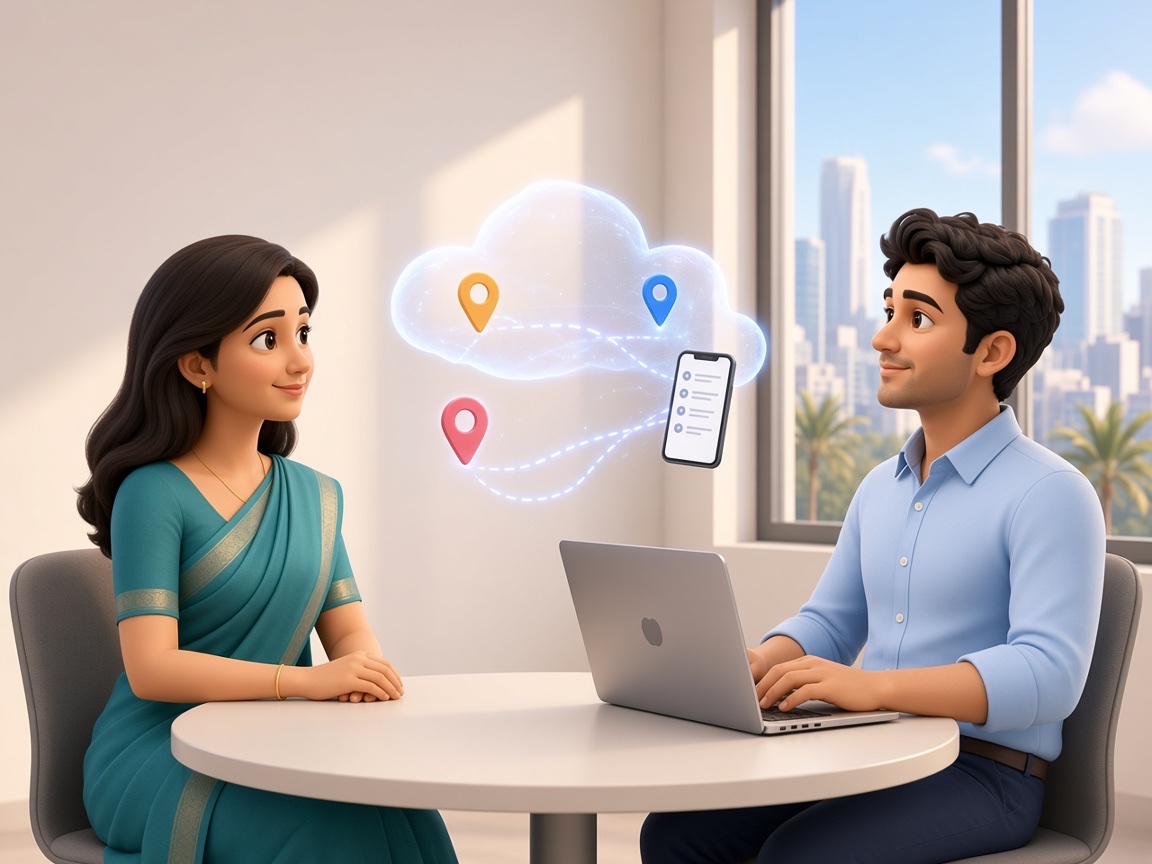
Being based locally also makes it easier to review existing workflows in person and provide direct, ongoing support as the business and its team structure grow.
Why Choose Swami Webcraft Solutions for Cloud CRM Development?

- Cloud CRM systems built around how your team actually works
- Secure, role-based access from any device
- Real-time data sync across users and locations
- Scalable infrastructure that grows with your business
- Integration with other cloud-based business tools
- Structured testing before deployment
- Ongoing maintenance and support after launch
- A local, accessible development team in Vashi

Cloud CRM development is the process of building a CRM system hosted on cloud infrastructure, allowing secure access from any device with an internet connection, rather than a local, single-location installation.
A cloud CRM is hosted online and accessible remotely from any device, while a Windows-based CRM is installed locally and typically tied to a specific office or system. The right choice depends on how the business's team works.
Cloud CRM systems can be built with role-based access, secure login, and regular backups. Specific security measures depend on the infrastructure and requirements of the project.
Yes. Cloud CRM systems are typically designed to work across desktops, tablets, and mobile devices, making them well suited to field sales and remote teams.
Cost depends on the features required, number of users, and integrations needed. We recommend a requirement discussion for an accurate estimate specific to your business.
Let's Discuss Your Cloud CRM Requirement
If your team works across multiple locations, remotely, or on the move, a cloud-based CRM can give everyone consistent access to the same customer data. As a cloud CRM development company in Navi Mumbai, we're happy to discuss what a tailored cloud CRM system could look like for your business.