
SWS
HRMS Software Development Company in Navi Mumbai
Managing employee data through spreadsheets and separate registers gets harder as a business grows. Disconnected attendance sheets, leave records, and payroll calculations often lead to errors, delays, and duplicate work. HRMS software brings these processes into a single, centralized system, making daily HR operations easier to manage. As a HRMS software development company in Navi Mumbai, Swami Webcraft Solutions builds custom HRMS software designed around each business's actual HR workflow, rather than a generic template.
What Is HRMS Software?
HRMS, or Human Resource Management System, is software that helps businesses manage HR functions from one place employee data, attendance, leave, payroll, recruitment, and performance, along with employee records and HR reporting.
Instead of maintaining separate files for each function, HRMS software connects these processes so HR teams can view, update, and report on employee information without switching between tools, reducing manual work and improving consistency.
Custom HRMS Software Development Services
Every organization structures its HR processes differently, which is why off-the-shelf software doesn't always fit well. Our HRMS software development services are built around a business's existing workflows rather than requiring it to adapt to fixed features.
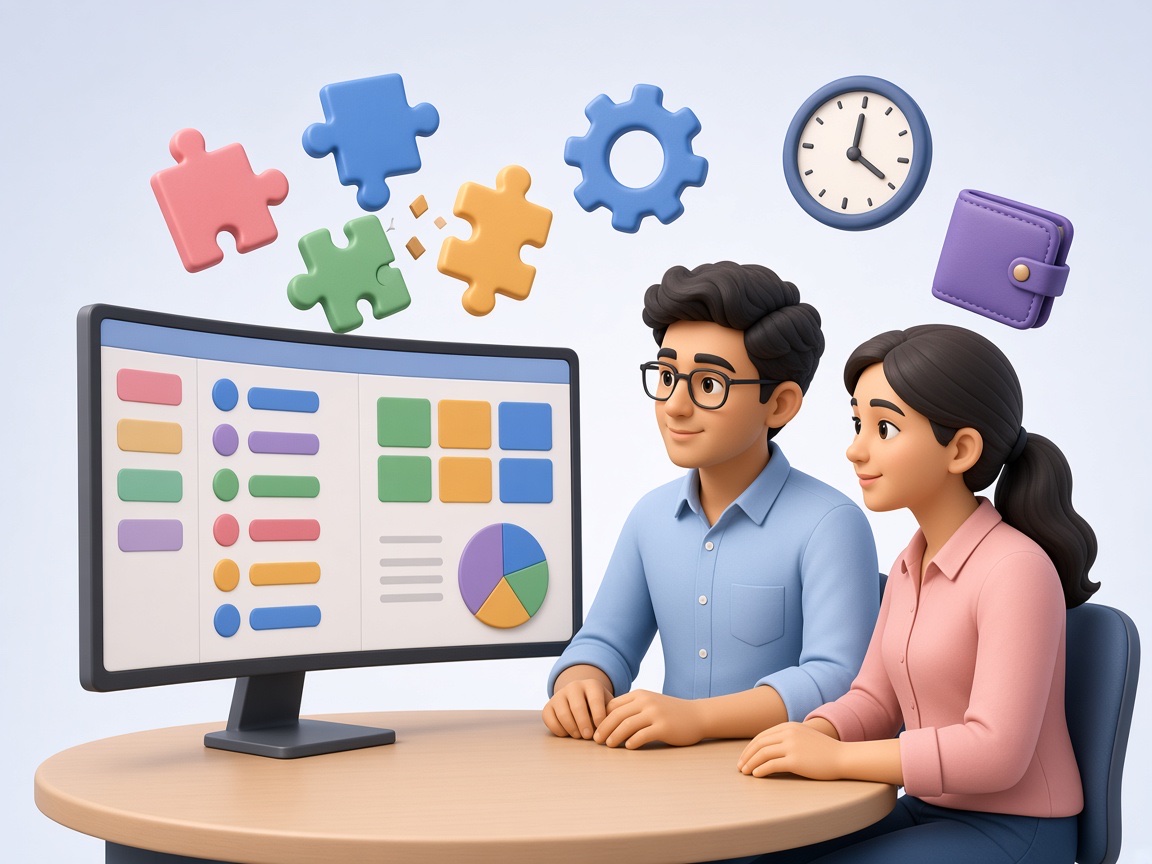
Services typically include:
- Custom HRMS development based on documented requirements
- Employee management module development
- Attendance and leave management
- Payroll management and salary processing
- Recruitment and performance management modules
- Employee self-service portals
- HR reporting dashboards
- Workflow automation
- Database development and API/third-party integrations
- Windows desktop HRMS development where required
Key Features of HRMS Software
-
Employee Database Management
Centralized records of employee details and documents.
-
Employee Onboarding
Structured workflows for adding new employee records and roles.
-
Attendance Management
Accurate tracking of daily attendance and working hours.
-
Leave Management
Recording leave requests, approvals, and balances automatically.
-
Payroll Management
Automating salary calculations based on attendance and deductions.
-
Recruitment Management
Managing job openings and candidate records in one system.
-
Performance Management
Recording appraisals and review cycles systematically.
-
Employee Self-Service
Letting employees view payslips or apply for leave independently.
-
Shift and Overtime Management
Managing shift schedules and overtime tracking.
-
HR Reports and Analytics
Generating reports for workforce decision-making.
-
Role-Based Access
Restricting data visibility based on user roles.
-
Third-Party Integration
Connecting with biometric, payroll, or accounting systems.
Industries That Can Use HRMS Software
-
IT and Software Companies
Managing distributed teams and performance tracking.
-
Manufacturing
Shift-based attendance and overtime tracking on the factory floor.
-
Healthcare and Hospitals
Round-the-clock staff scheduling and compliance records.
-
Retail
Coordinating attendance and payroll across store locations.
-
Education
Managing attendance, leave, and payroll for staff.
-
Hospitality
Handling variable shifts and seasonal staffing.
-
Logistics and Transportation
Tracking field staff attendance across locations.
-
Construction
Managing site-based workforce attendance and payroll.
-
Professional Services
Streamlining recruitment and employee records.
-
Multi-Location Businesses
Centralizing employee management across branches.
Benefits of Custom HRMS Software
- Centralized employee data instead of scattered spreadsheets
- Reduced manual HR work through automation
- More accurate attendance and leave tracking
- Faster, error-reduced payroll processing
- Better organized employee records
- Improved HR reporting and workforce visibility
- Role-based access for stronger data security
- Easier scaling as teams and locations grow
Windows HRMS Software Development
Some businesses prefer a Windows desktop application over a web-based system, particularly where infrastructure or security policies call for it. Our Windows HRMS software development approach includes a desktop application connected to a local or centralized database, supporting employee management, attendance and leave tracking, payroll integration, biometric device integration, multi-user access, and reporting dashboards.
Whether Windows-based or web-based HRMS software suits a business better depends on existing infrastructure, number of users, and security requirements there's no single right answer for every organization.
HRMS Software Integration
HRMS software works best when connected with the systems a business already uses biometric attendance devices, payroll systems, accounting software, ERP or CRM systems, APIs, and existing databases. These integrations reduce duplicate data entry and support smoother, automated HR workflows across departments.
HRMS Software Development Process
-
Requirement Analysis
Understanding existing HR processes and needs.
-
HR Workflow Planning
Mapping how attendance, leave, and payroll should function.
-
UI/UX Design
Designing an interface suited to HR staff and employees.
-
Software Development
Building modules based on finalized requirements.
-
Database Development
Structuring secure, scalable data storage.
-
Integration
Connecting biometric, payroll, or other systems.
-
Testing
Verifying functionality, accuracy, and security.
-
Deployment
Rolling out the software for live use.
-
Training and Support
Helping teams use the system, with ongoing assistance.
HRMS Software Development Company in Vashi and Navi Mumbai
Working with a HRMS software development company in Vashi offers practical advantages for businesses based in and around Navi Mumbai. In-person requirement discussions make it easier to map existing HR workflows accurately, which helps during custom workflow planning, development, and integration.
Local coordination also simplifies testing, deployment, and ongoing improvements as a business's HR processes evolve over time.
Why Choose Swami Webcraft Solutions for HRMS Software Development?
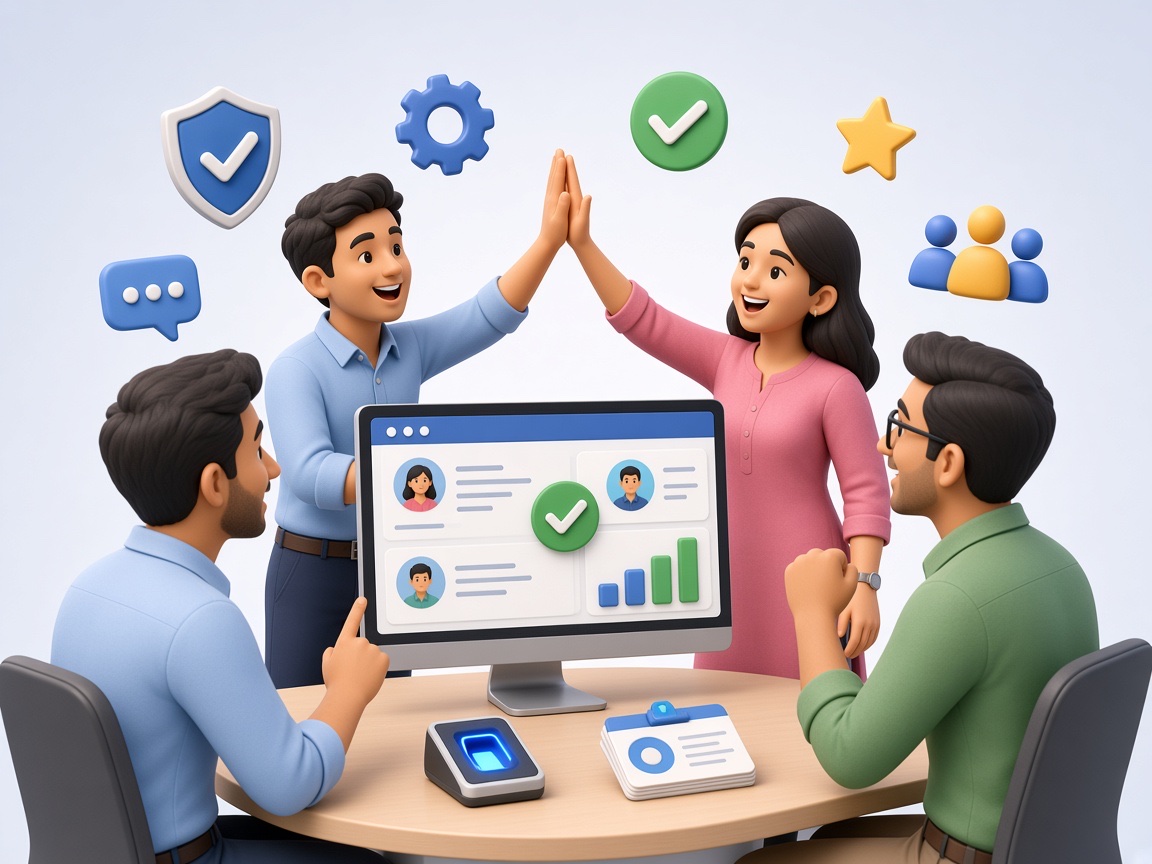
Swami Webcraft Solutions develops HRMS software around each business's actual HR workflow rather than a fixed template, focusing on understanding requirements first and building software that fits how the organization already operates.
Our development work centers on:
- Custom software built for business-specific HR processes
- Scalable solutions that can grow with the organization
- Integration capabilities with existing business systems
- User-friendly interfaces for HR teams and employees
- Automation of repetitive HR tasks
- Requirement-based development from planning through deployment
- Ongoing support as workflows change

HRMS software helps businesses manage HR functions like employee records, attendance, leave, payroll, recruitment, and performance from one centralized platform, reducing manual work across departments.
Core features typically include employee database management, attendance and leave tracking, payroll processing, recruitment and performance management, self-service access, and reporting dashboards.
Yes. Custom HRMS software can be built around a business's specific HR workflows and reporting needs, rather than relying on a fixed, generic set of features.
Yes. HRMS software can be integrated with biometric devices to automatically capture attendance data, reducing manual entry and improving record accuracy.
Yes. HRMS software can connect with payroll and accounting systems to streamline salary processing and reduce duplicate data entry between platforms.
Yes. We develop Windows-based HRMS software with desktop applications and local or centralized databases for businesses that require this setup.
Let's Discuss Your HRMS Software Requirements
If your business is looking to streamline employee management, attendance, payroll, or HR reporting, our team can walk you through how a custom HRMS system could fit your workflow, including automation and integration needs.