
SWS
POS Software for Smarter Billing, Inventory & Business Management
Manual billing, disconnected inventory records, and scattered payment tracking make it hard for businesses to get a clear picture of daily operations. POS Software brings billing, inventory, payments, and reporting together into one connected system, so every sale updates stock and records in real time.
At Swami Webcraft Solutions, we work with businesses across retail, food service, healthcare, and wholesale to build POS systems that match how they actually operate, rather than forcing them to adjust their workflow around generic software.
What Is POS Software?
POS (Point of Sale) Software is a system that manages billing, sales, and inventory at the point where a transaction takes place. It allows businesses to generate invoices, accept payments, update stock levels, and track customer and sales data from a single platform.
Beyond billing, POS Software typically helps manage:
-
Billing
generating accurate invoices for each transaction
-
Sales
recording what was sold, when, and by whom
-
Payments
tracking cash, card, UPI, and other payment modes
-
Inventory
updating stock automatically after each sale
-
Customers
maintaining purchase history and contact details
-
Employees
managing staff access and activity
-
Reports
generating daily, weekly, or monthly summaries
How Does POS Software Work?
A POS system typically follows a consistent transaction flow:
-
Product or service selection
items are selected via search, barcode scan, or a product list.
-
Billing and invoice generation
the system calculates totals, taxes, and discounts, and generates an invoice.
-
Payment processing
the customer pays through cash, card, UPI, or another supported method.
-
Inventory update
stock levels are adjusted automatically based on the sale.
-
Customer record update
purchase history is logged against the customer profile, if applicable.
-
Sales tracking
the transaction is recorded for daily and periodic sales tracking.
-
Reporting and analytics
sales, inventory, and payment data feed into reports for review.
This automation reduces repetitive manual entry stock doesn't need separate updating, and sales figures don't need to be compiled by hand at the end of the day. It also gives business owners better visibility into what's happening across their operations without waiting for manual reconciliation.
Key Features of POS Software
-
Billing & Invoicing
quick invoice generation with tax and discount calculation
-
Product & Inventory Management
real-time stock tracking across categories
-
Barcode Scanning
faster checkout and reduced billing errors
-
Multiple Payment Options
support for cash, cards, UPI, and wallets
-
GST-Related Billing
invoices structured to reflect applicable tax details, based on business setup
-
Customer Management
storing purchase history and contact information
-
Discounts & Offers
applying promotional pricing during billing
-
Sales & Revenue Reports
daily, weekly, and monthly summaries
-
Employee/User Management
role-based access for staff
-
Multi-Store Management
centralized visibility across branches
-
Low-Stock Alerts
notifications when inventory falls below set thresholds
-
Business Dashboard
a consolidated view of sales and stock
-
API & Third-Party Integrations
connecting with accounting, CRM, or e-commerce tools where required
-
Data Security
access controls and structured data handling
-
User Roles & Permissions
restricting features based on staff responsibilities
The exact feature set depends on business type, scale, and specific requirements not every business needs every feature listed here.
Benefits of POS Software
When billing, inventory, and reporting run through one system instead of separate manual processes, day-to-day operations become noticeably smoother. Staff spend less time on repetitive entry, owners get a clearer view of stock and sales, and decisions are based on current data rather than guesswork. The impact is felt across the counter, the stockroom, and the back office alike.
- Faster billing at the counter
- Better visibility into stock levels
- Reduced manual data entry
- Centralized sales information across the business
- Easier report generation for owners and managers
- Improved customer record-keeping
- More efficient day-to-day operations
- Clearer tracking of payment modes
- Visibility across multiple locations, where applicable
- Better-informed business decisions based on actual sales data
Types of POS Software
-
Retail POS Software
manages product variants, barcodes, and stock across categories in a store.
-
Restaurant POS Software
handles table orders, kitchen order tickets, and split billing.
-
Grocery POS Software
supports high-volume, fast billing with weight-based and unit-based pricing.
-
Pharmacy POS Software
tracks batch numbers, expiry dates, and prescription-linked sales.
-
Salon & Spa POS Software
manages service bookings, staff assignment, and package billing.
-
Wholesale POS Software
supports bulk billing, tiered pricing, and credit-based transactions.
-
Cloud-Based POS Software
enables access from multiple devices and locations over the internet.
-
Custom POS Software
built around a specific business process rather than a standard template.
Custom POS Software vs Ready-Made POS Software
| Factor | Ready-Made POS | Custom POS |
|---|---|---|
| Features | Fixed, pre-built set | Built around specific requirements |
| Customization | Limited | High |
| Integrations | Often limited to supported tools | Can be built for specific systems |
| Scalability | Depends on the provider's plans | Designed for the business's growth path |
| Implementation Time | Usually faster | Takes longer, based on scope |
| Initial Cost | Generally lower | Typically higher upfront |
| Business-Specific Workflows | Standard processes only | Matches actual operational workflow |
| Multi-Location Requirements | Varies by provider | Can be designed for specific structures |
Ready-made POS software can work well for businesses with standard requirements. Custom POS software becomes more relevant when a business has specific workflows, industry needs, or integration requirements that off-the-shelf systems don't support well. Neither option is universally better the right choice depends on actual requirements and budget.
Why Choose Custom POS Software?
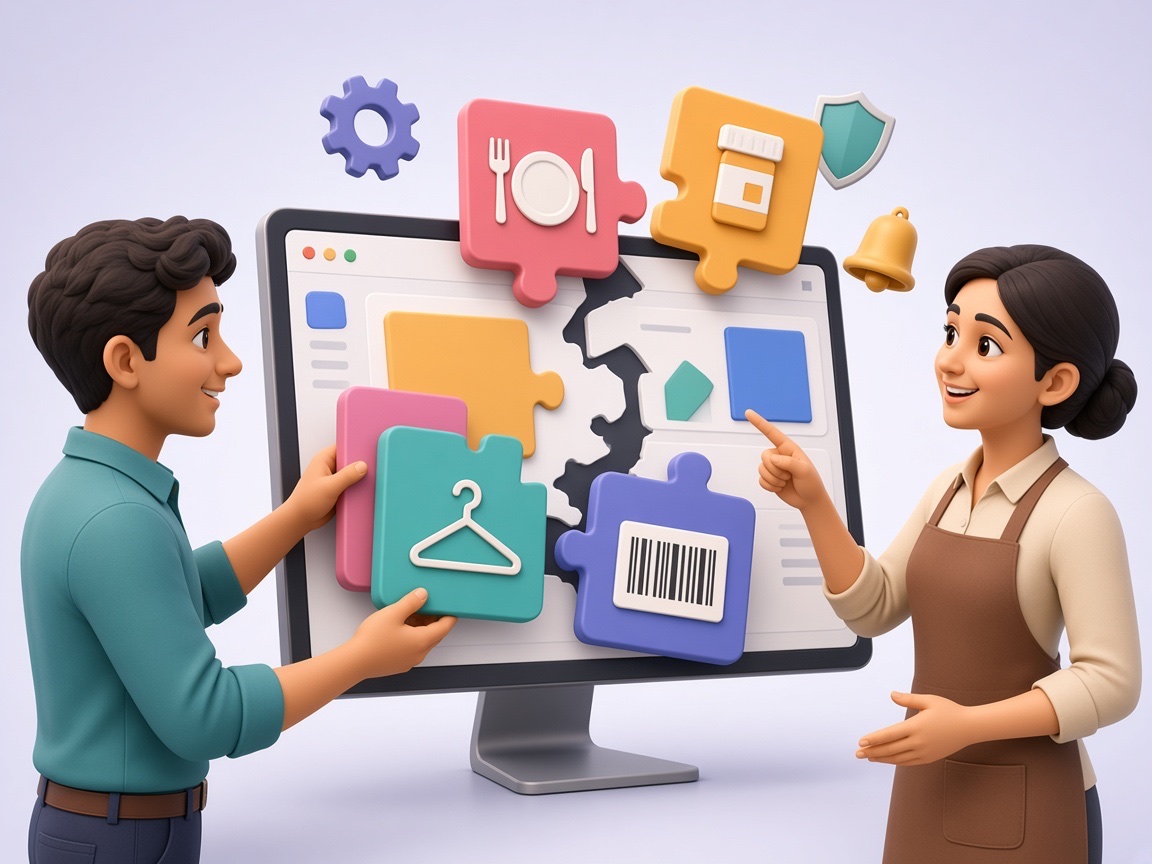
Custom POS Software is built to reflect how a specific business operates, rather than requiring the business to adapt to a fixed structure. This can include:
- Billing workflows specific to the business
- Industry-specific features (e.g., batch tracking for pharmacies, table management for restaurants)
- Custom reports based on what the business actually needs to track
- Dashboards built around relevant metrics
- User permissions matched to staff roles
- Workflows across multiple branches
- Automated notifications for stock or sales events
- Inventory workflows suited to the product type
- Payment integrations specific to the business's requirements
- CRM or ERP integrations where existing systems are in place
- API integrations with other business tools
- Automation built around repetitive, business-specific tasks
The goal is to build software around the way the business already works, rather than adding features that aren't relevant to its operations.
POS Software Development Services
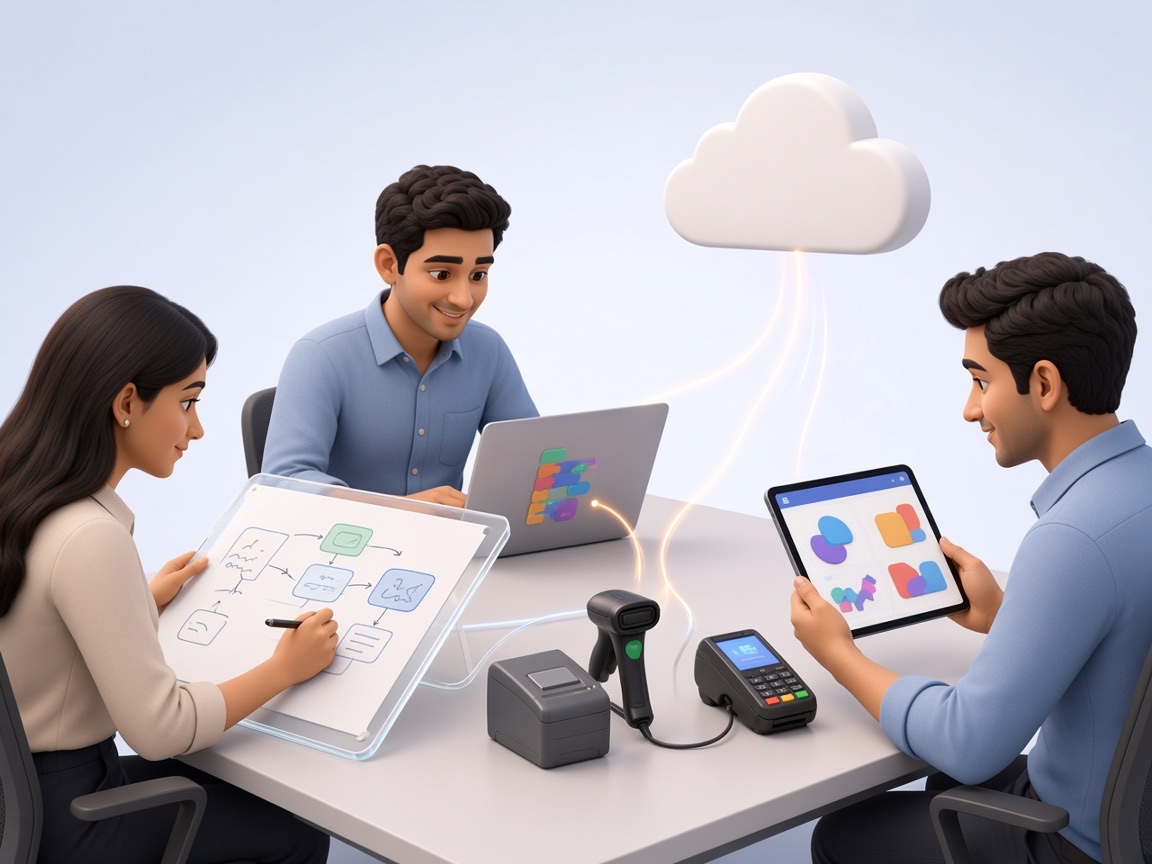
Swami Webcraft Solutions offers POS Software Development Services covering everything from Custom POS Software built from the ground up to ongoing support after launch:
- Custom POS Software Development
- Web-Based POS Development
- Mobile POS App Development
- UI/UX Design for POS interfaces
- POS Software Customization
- POS System Integration
- Payment Gateway Integration
- API Development
- Inventory System Integration
- CRM & ERP Integration
- Data Migration
- Cloud POS Development
- Workflow Automation
- Maintenance & Support
Our approach to POS System Development starts with understanding the business's existing processes, so the resulting system fits real workflows rather than requiring the business to work around it.
Industries That Can Use POS Software
-
Retail
managing product catalogs and multi-branch stock
-
Restaurants & Cafes
handling table orders and kitchen coordination
-
Grocery Stores
fast, high-volume billing
-
Pharmacies
batch and expiry tracking alongside billing
-
Salons & Spas
combining service bookings with billing
-
Clothing Stores
managing size and variant-based inventory
-
Electronics Stores
tracking serial numbers and warranties
-
Wholesale Businesses
bulk orders and credit-based billing
-
Hospitality
managing billing across guest services
-
Service Businesses
tracking service-based transactions and appointments
POS Software Integrations
POS Software can be integrated with:
- Payment gateways
- Accounting software
- CRM systems
- ERP systems
- Inventory management systems
- E-commerce platforms
- Barcode scanners
- Receipt printers
- SMS and email systems
- Business websites and mobile applications
- Third-party APIs
Integration availability depends on the specific platform, the APIs it supports, and the business's requirements not every system can be integrated with every POS solution.
Cloud-Based POS Software
Cloud-based POS systems offer:
- Remote accessibility from any location
- Centralized data across branches
- Multi-user access with role-based permissions
- Multi-store management from one dashboard
- Real-time reporting
- Scalability as the business grows
- Easier collaboration between teams
- Regular software updates
Cloud systems do involve data being stored and accessed online, so businesses should understand the hosting and access-control setup being used no system, cloud or otherwise, can be considered completely risk-free.
How to Choose the Right POS Software
- Identify actual business requirements before comparing options
- Check for industry-specific features relevant to your operations
- Confirm billing and invoicing capabilities match your needs
- Evaluate inventory management depth
- Check supported payment options
- Review reporting capabilities
- Confirm multi-store functionality, if needed
- Check available integrations
- Review security and access-control measures
- Consider scalability for future growth
- Check how much customization is possible
- Confirm mobile access, if required
- Ask about technical support availability
- Compare cost against actual feature requirements
Why Choose Swami Webcraft Solutions?
Swami Webcraft Solutions is a POS Software Development Company in Navi Mumbai that focuses on understanding a business's operational requirements before starting development. Rather than offering a fixed template, we build POS systems around how each business actually functions.
Our POS development work includes custom software development, scalable architecture, modern web technologies, practical UI/UX design, API and payment integrations, inventory workflows, cloud-based solutions, and process automation. We also provide ongoing support after deployment to handle updates and issues as they come up.
Our focus is on building reliable, practical POS software that fits your current operations while remaining flexible enough to support future business requirements.


POS Software is a system that manages billing, sales, inventory, and payments at the point of a transaction. It records sales, updates stock, and generates reports, bringing multiple business processes into one connected platform instead of separate manual systems.
It works by recording a sale through product selection and billing then automatically processing payment, updating inventory, logging customer data, and feeding the transaction into sales reports, reducing the need for manual reconciliation.
Core features typically include billing and invoicing, inventory management, payment processing, customer management, and reporting. Additional features like barcode scanning, multi-store support, and integrations depend on the specific business's operational needs.
Custom POS Software is built specifically around a business's workflows, rather than using a fixed, pre-built structure. It allows for tailored billing processes, industry-specific features, and integrations that match the business's actual requirements.
Cost depends on factors like feature complexity, number of integrations, platform (web or mobile), and customization level. A simple system costs less than one with multi-store support, custom reporting, and multiple third-party integrations.
Development timelines vary based on scope. A basic POS system may take a few weeks, while a custom system with multiple integrations, custom workflows, and multi-branch support can take longer. Exact timelines are confirmed after requirement discussions.
Yes, POS Software can often be integrated with accounting software to sync sales and payment data, depending on the accounting platform's supported APIs and the specific business requirements involved.
Yes, many POS systems support multi-store management, allowing centralized visibility into sales and inventory across branches. The extent of this functionality depends on how the system is built or configured.
Yes, POS Software can be customized for industries like retail, restaurants, pharmacies, and salons by adjusting billing workflows, inventory tracking methods, and reporting to match industry-specific needs.
Cloud-based POS Software uses access controls and data management practices to protect information, but no system can be guaranteed completely risk-free. Security depends on the hosting setup, access permissions, and how the system is maintained.
Looking for POS Software Built Around Your Business?
Share your POS requirements with our team and discuss the features, integrations, and workflows your business needs. Whether you're looking for standard billing and inventory functionality or a custom system with multi-branch reporting and payment integrations, Swami Webcraft Solutions can help you work through the details and build a system that fits.